Why Quality Photos Matter
Try Palette Immo AI Interior Styler
Transform empty rooms and listing photos with AI virtual staging and interior design. Get started in minutes.
Get startedHigh-quality photos are crucial in real estate listings, especially for platforms like Immoweb. Potential buyers often use photos to gauge their interest in a property. Therefore, investing time and effort into capturing stunning living room shots can significantly influence buyer engagement.
1. Optimize Lighting Conditions
The lighting in your living room can make or break your photos. Aim to shoot when natural light is abundant, typically mid-morning to early afternoon. Utilize window light, but avoid harsh sunlight that creates unwanted shadows.
2. Declutter and Stage the Space
Before taking any photos, ensure the living room is tidy and well-staged. Remove unnecessary items that can distract from the room's features. Consider using Palette.immo to create stunning virtual staging if the space is empty.
3. Choose the Right Angles
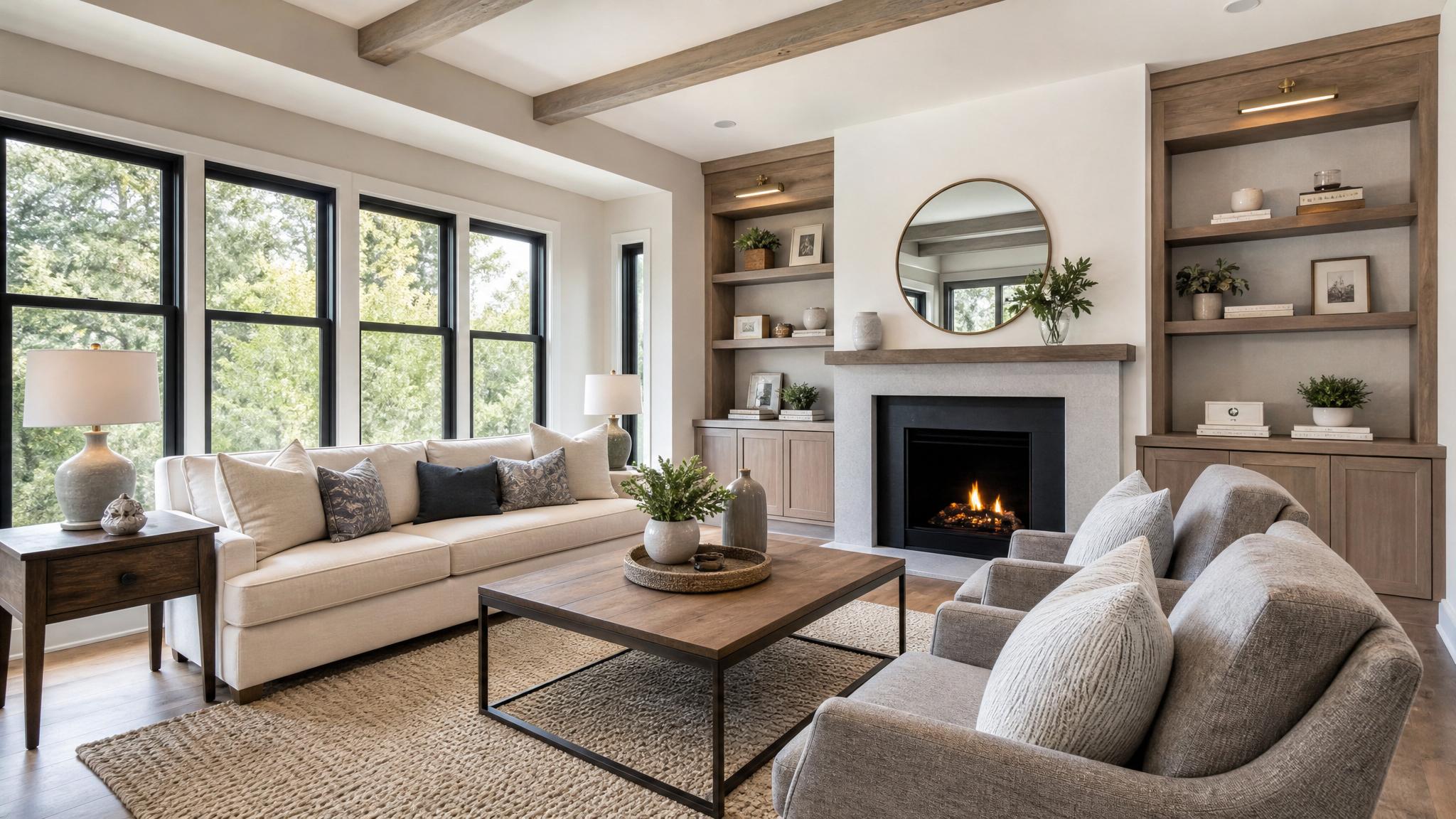
Experiment with various angles and perspectives when photographing your living room. A wide-angle lens can help capture the entire space, while lower angles may highlight ceiling height and architectural details.
4. Focus on Key Features
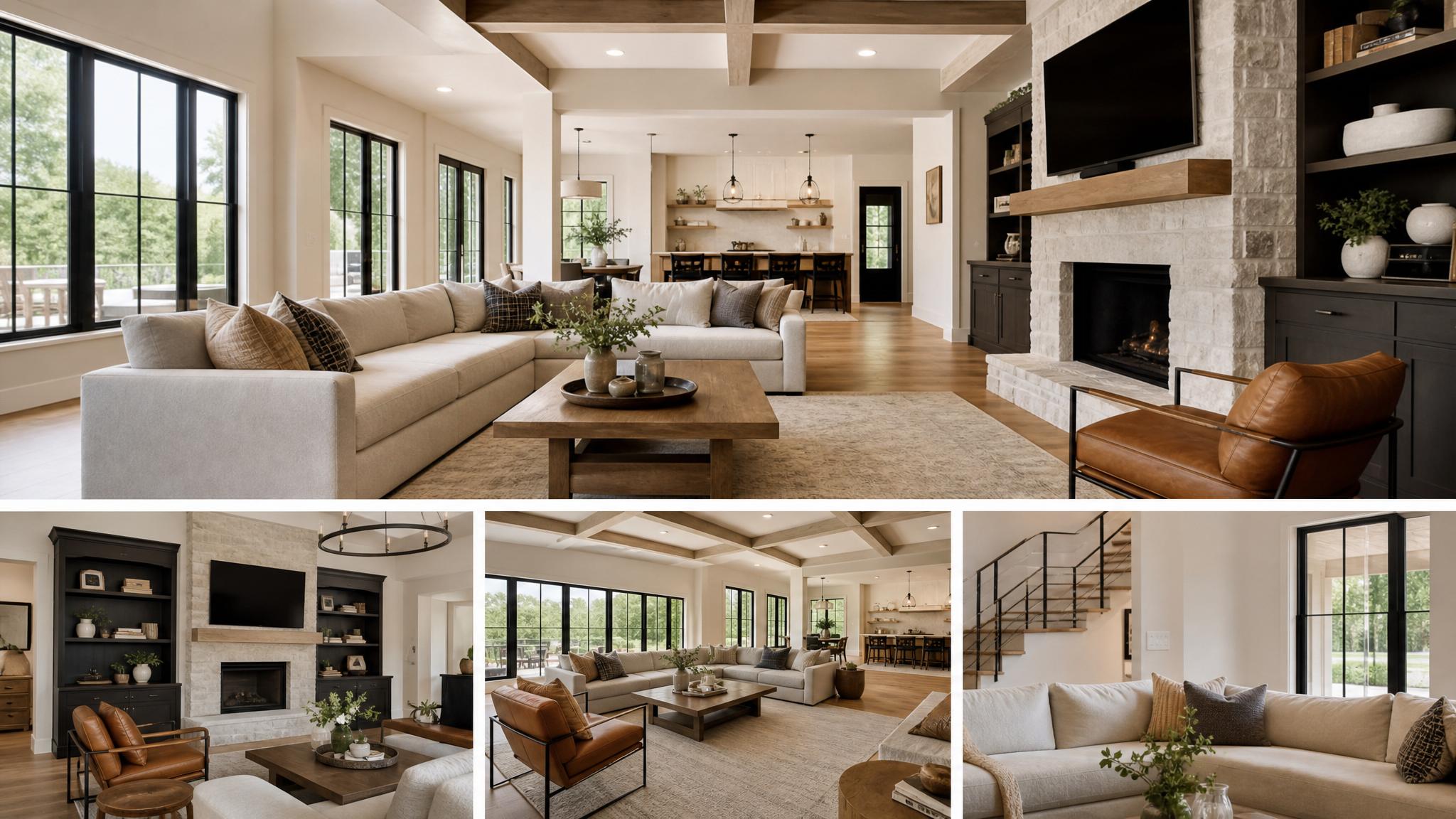
Highlight distinctive elements of the room, such as fireplaces, large windows, or built-in shelving. Take close-up shots to showcase the quality of materials and craftsmanship, which can convey a sense of luxury and attention to detail.
5. Use Clear Composition Techniques
Consider following the rule of thirds to create visually appealing photos. Position significant elements in the frame according to this guideline to achieve balance and interest.
6. Enhance Images with Editing Software
After taking your shots, use photo editing software to make slight adjustments such as brightness, contrast, and saturation. This will help enhance the image without making it look overly edited.
7. Maintain Consistent Style
Select a style or theme for your photographs that matches the overall aesthetic of your listing. Consistency in color, lighting, and editing will lend a more professional appearance.
8. Include Lifestyle Shots
Incorporate lifestyle images that show the living room in use, like a cozy evening with family or entertaining friends. This approach helps potential buyers visualize themselves in the space.
9. Use a Tripod
A steady shot is essential for clear images. Using a tripod will help eliminate blurriness, especially in lower light conditions, while allowing for correct framing and consistency across photos.
10. Capture Seasonal Updates
Consider changing your photos according to the season. A living room decorated for winter holidays can evoke coziness, while springtime flowers can bring life to the space.
11. Get Feedback
Before finalizing your photos, ask for feedback from friends or colleagues. Fresh eyes can provide valuable insights and suggestions to improve composition and overall appeal.
12. Tailor for the Audience
Understand your target audience when capturing living room shots. If aiming for families, highlight space and functionality; for young professionals, focus on style and modern aesthetics.
Key takeaway
Elevating your living room photography for Immoweb involves a blend of technical skills, creativity, and attention to detail. By implementing these strategies, you not only enhance the look of your space but also significantly improve your listing's appeal to prospective buyers.